
How to secure your Twitter account without paying for Blue
Twitter is a wild, wild place these days. From massive data leaks to banning third-party clients, it seems like it’s going to implode at any moment. Now, Twitter has something else up its sleeve. According to The Verge’s reporting, unless you pay for the monthly subscription service (aka Twitter Blue), the social media site will turn off your SMS-based two-factor authentication after March 20.
Two-factor authentication (2FA) offers additional protection to your online accounts by requiring a password and a one-time code via text or app. It’s the first line of defense in keeping unwanted hackers out of your social media account. The fact that Twitter is stripping away SMS (text) 2FA (unless you pay up) might be annoying, but it doesn’t mean you are without recourse
Getting 2FA codes via SMS isn’t the most reliable option anyway, as the code could be potentially intercepted by hackers. That’s why we recommend opting for one of our best password managers, an authentication app like Authy, Dashlane or Keeper. If you’re not sure how to add these apps to Twitter, don’t worry. The team at PCWorld put together an easy step-by-step guide below.
How to add an authentication app to Twitter
Adding an authentication app to Twitter is easier than you’d think. There are quite a few options to choose from. In our roundup of the best 2FA software and hardware, the Google Authenticator app nabbed the top spot, as it’s simple to use and it doesn’t require an internet connection.
Google Authenticator is a free smartphone app that’s available for Android and iOS. The app generates a fresh code every 30 seconds, which reduces the likelihood of a nefarious hacker getting their hands on it. You can also add as many accounts as you’d like, which is pretty darn cool.
So, without further ado, here’s how to add an authentication app to your Twitter account. This only works on desktop, not mobile.
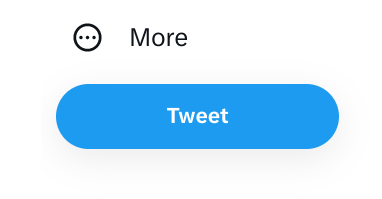
Open your Twitter profile and select More, which lives on the left side of the screen.
IDG / Ashley Biancuzzo
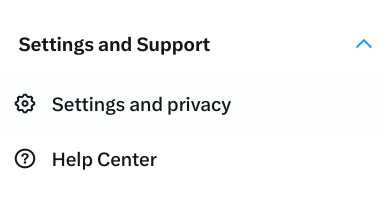
Select the following: Settings and Support > Settings and privacy > Security and account access > Security > Two Factor Authentication.
IDG / Ashley Biancuzzo
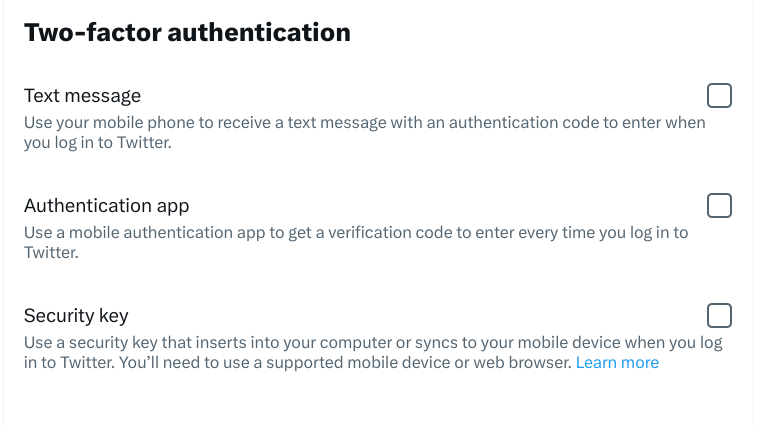
Click on the Authentication app box.
IDG / Ashley Biancuzzo
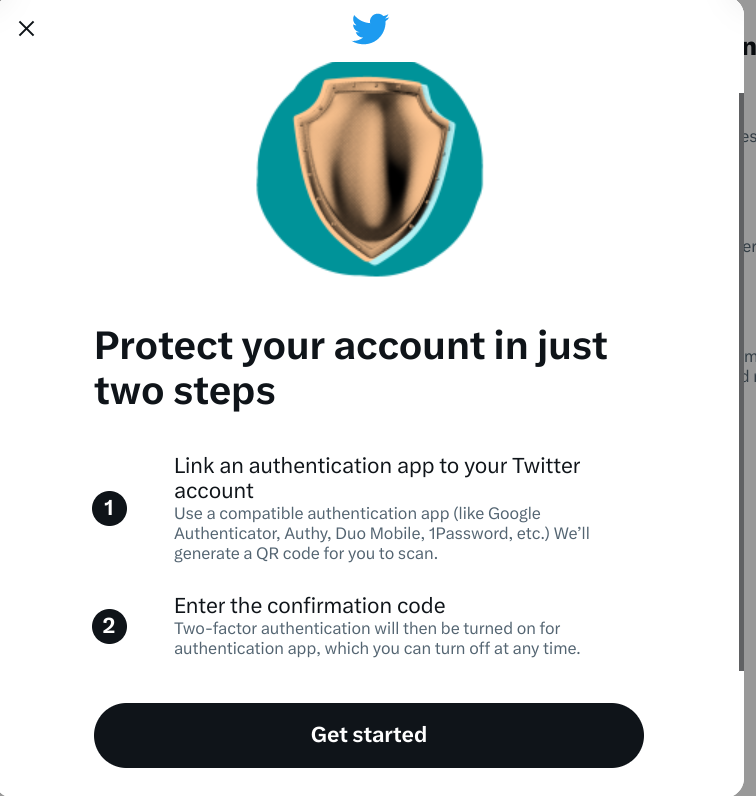
A new window will pop up. Peruse the instructions and select Get started.
IDG / Ashley Biancuzzo
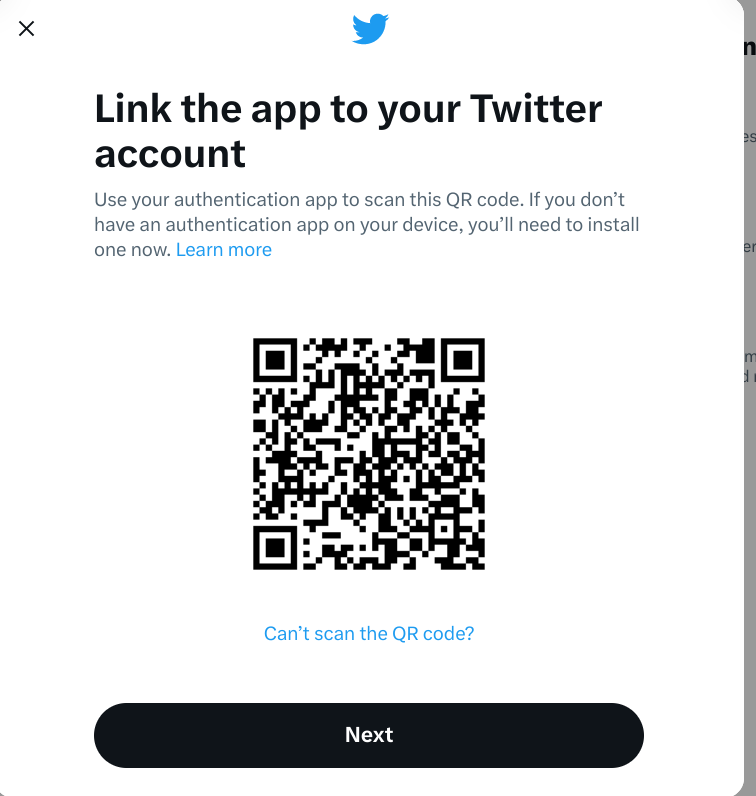
Open your authentication app of choice and scan the QR code.
IDG / Ashley Biancuzzo
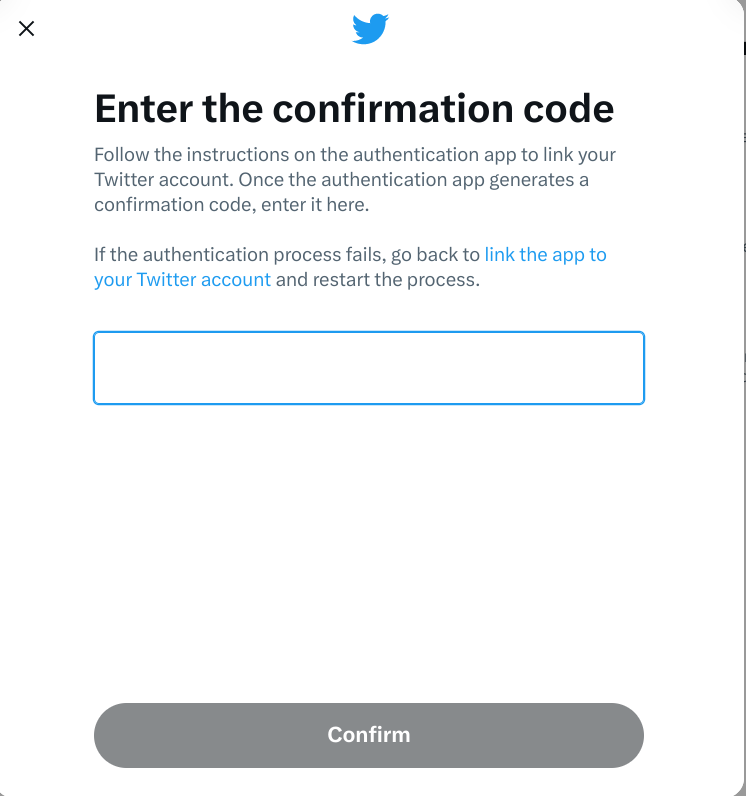
When your authentication app produces a code, enter it in the box and select Confirm.
IDG / Ashley Biancuzzo
You’ve now added an authentication app to Twitter. Huzzah!
This story was updated at 9:59 AM to add a link to our list of the best password managers.
https://www.pcworld.com/index.rssPCWorldPCWorld helps you navigate the PC ecosystem to find the products you want and the advice you need to get the job done.Technology124
Powered by WPeMatico